
How to play?
Game Rules:
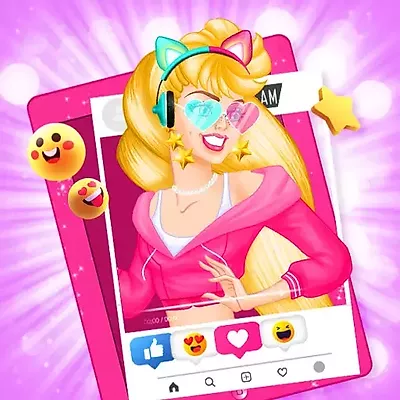
- Rule 1: To achieve victory, your first step is selecting a hairstyle that truly embodies Kylie's distinct personality and cutting-edge style.
- Rule 2: Next, focus on her facial features by choosing stunning eyes accentuated with thick lashes to dramatically enhance her overall look.
- Rule 3: The core of a winning ensemble starts here; pick a bold and expressive top that perfectly captures her mood and unwavering confidence.
- Rule 4: Build upon the top by selecting a cohesive clothing style, ensuring you pair it with the most fashionable shoes to create an absolutely fabulous outfit.
- Rule 5: With the styling complete, proceed immediately to the photo studio, which is crucial for finalizing your success.
- Rule 6: In the studio, meticulously direct chic poses to capture those essential, insta-worthy photos, cementing your status as a top stylist.
Controls:
- Left Mouse Button: Use this primary action to select clothing items, hairstyles, and all other necessary accessories.
- Mouse Movement: Utilize this to navigate smoothly through the available options and various game menus.
- Left Mouse Button (Click and Drag): If applicable, use this action to adjust the position of the character or the camera angle for the perfect shot.
Instadiva Kylie Dress Up Similar Games
If you enjoy this game, you might also like these games with similar gameplay.
FAQ:
- Q: Is full makeup customization available for Kylie?
- Q: Does the photo studio offer multiple backgrounds?
- Q: Is there an option to share the captured photos?
While the game explicitly mentions choosing beautiful eyes with thick lashes, it doesn't clearly state if full makeup customization is an option. Exploring the various menus might reveal hidden makeup features.
The provided information confirms moving to a photo studio but doesn't detail if different backgrounds are included. There is likely a default setting, but playing the game is the only way to verify if others exist.
The primary goal is capturing "insta-worthy" photos. Depending on the specific platform you are playing on, there may be built-in options to save or share these images, though this isn't explicitly confirmed in the basic description.
Comments
Be the first to comment!